 Siftwren Product Filter
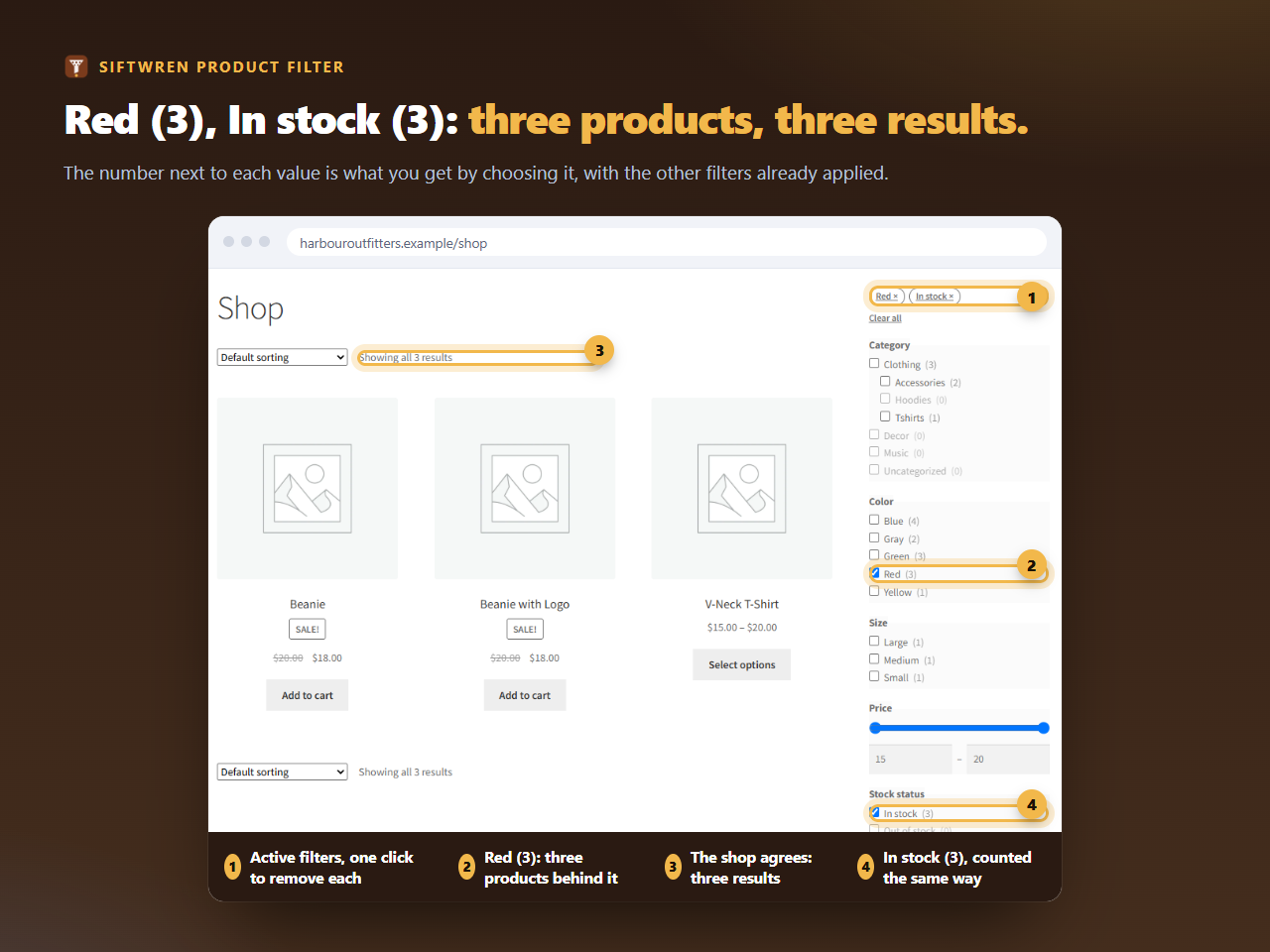
Why counts go wrong
Most filters count the parent product. A hoodie with a blue, a green and a red variation counts as red, even when every red size is sold out. Choose Red and In stock together and the number says one thing while the list shows another. Shoppers do not read that as a rounding error. They read it as a shop that cannot count.
Does your filter count the parent?
Change which variation is sold out and see the two ways of counting side by side. Nothing you type leaves this page.
How Siftwren counts
For every filter in a set, one query asks WooCommerce’s lookup tables how many products would remain behind each of its values. Two rules keep the answer honest. A value in an any of them filter is counted without that filter’s own choice, so you can see what adding a second colour would give. A value in an all of them filter is counted with it, because every choice narrows the result.
Counts can be shown or hidden for each filter, and a value with no products can be hidden or shown with a zero. A value you have chosen always stays visible, so you can take it off again.
How we checked
We loaded WooCommerce’s own sample products into a real WordPress, made the hoodie’s red variations sold out, and compared 184 counts on the shop page and on the Clothing category, with and without In stock chosen. Every number equalled the number of products after a click. The one case where WooCommerce’s own filtering differs from ours is exactly the hoodie, and that is the point of the plugin.
Counts depend on WooCommerce’s lookup table being switched on. If it is off, the plugin says so on its own screens and falls back to counting by parent, which is when numbers can disagree again. The lookup table guide shows where the switch is.