 Siftwren Product Filter
How it works
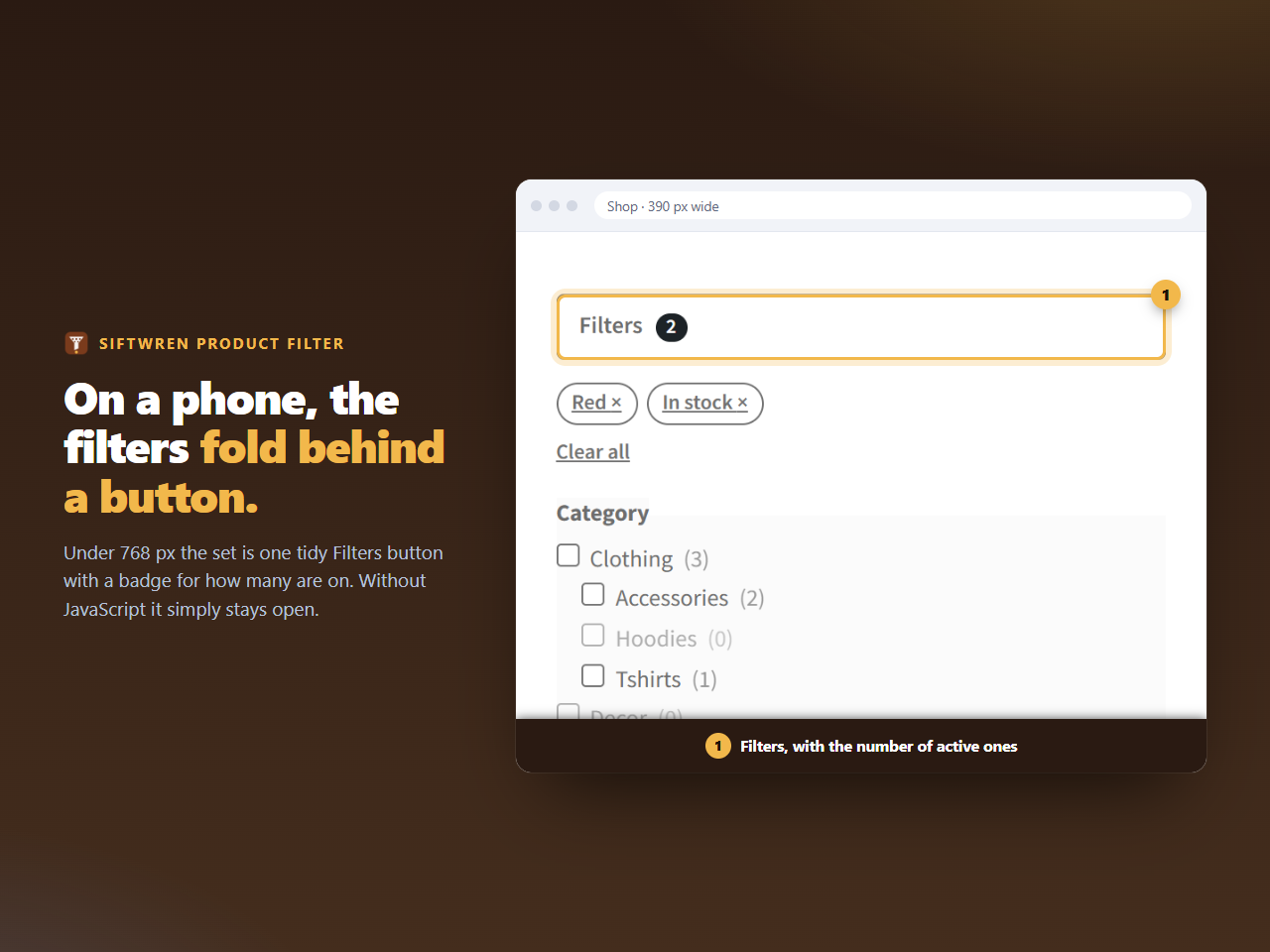
The set is wrapped in a native details element. On a narrow screen the summary is drawn as a button, and the script closes the fold the first time the page loads there. Tap the button and the filters open; choose a value and the list updates, with the fold staying as the shopper left it.
The badge
The number on the button is the number of chips in force. Two filters on, a badge saying 2. Take one away and it says 1, and it disappears at zero, so the button always says whether the list in front of the shopper is the whole shop or a narrowed one.
Without JavaScript
The fold is not closed, because nothing closes it, and the form submits like any other. The button itself is only shown when the script has run, so a shopper without one never sees a control that does nothing.
Layout notes
- the product list is not covered by the open set, because the set sits in the normal flow of the page;
- checkboxes and fields are the theme’s own, which on a phone are usually large enough to tap;
- the set measures no more than the screen, and the page does not scroll sideways: we checked at 390 pixels.
A classic theme stacks the sidebar under the products on a phone, and the set comes with it. If you would rather have the filter above the list on a phone, place the same set in a position that sits above the products in the template.