 Siftwren Product Filter
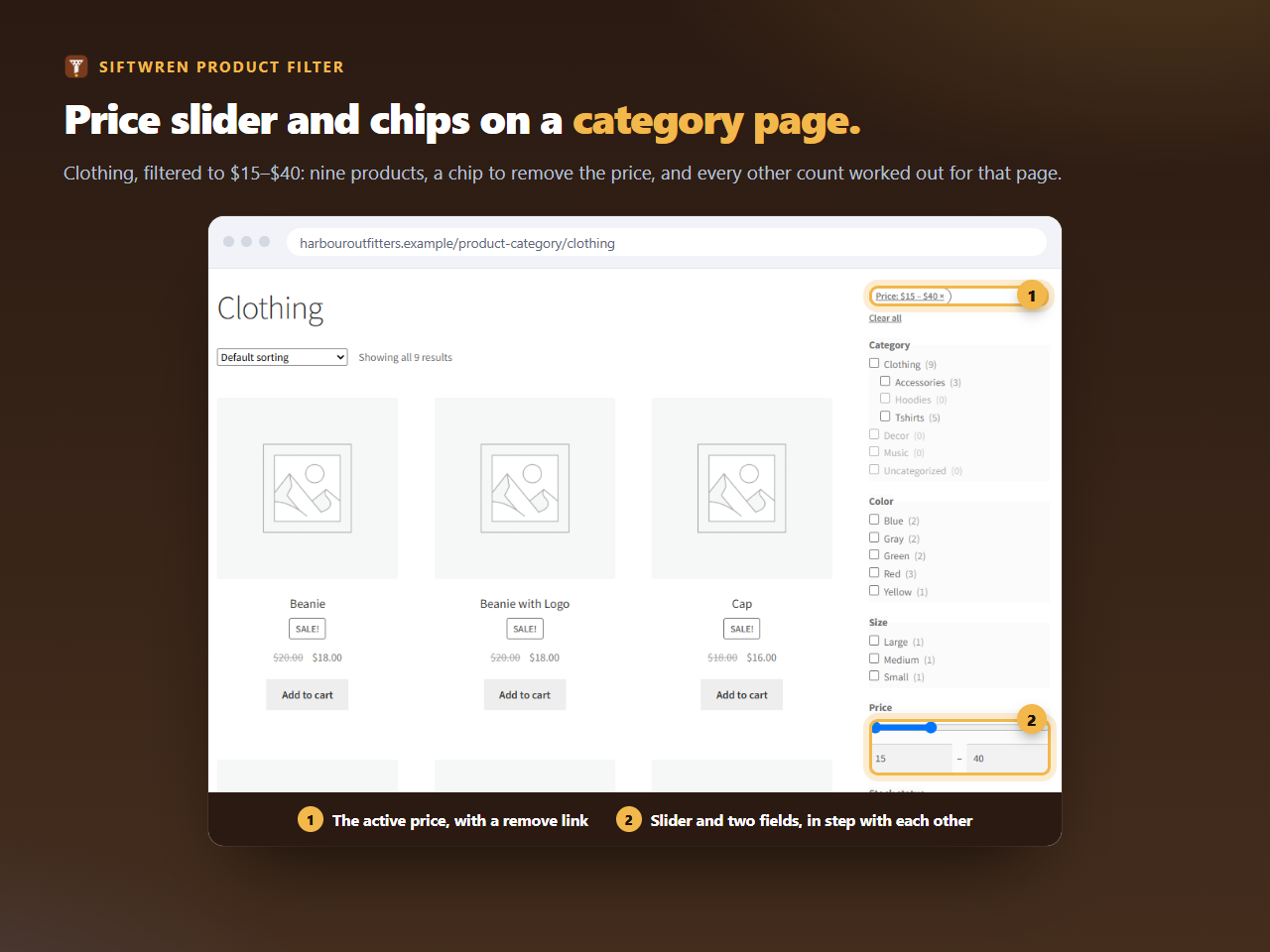
What shoppers see
A slider with two handles and a field under each, labelled Minimum price and Maximum price. The range runs over the products on the page they are looking at, so the category for shoes does not offer a price from a different category. With no filter on, the two ends sit at the ends of the range, and the plugin does not add a price to the address.
What the chip says
Once a price is chosen, a chip appears with the shop’s own currency: Price: 15 – 40 for both ends, Price: from 15 or Price: up to 40 for one. Click it and only the price is removed, so any other filter stays on.
Read a filter address
Paste the address of a filtered shop page and read it in plain English. Nothing you type leaves this page.
Setting it up
Add a filter, choose Filter on: Price. The only display is the slider with two fields. A set can have one price filter.
If someone types a minimum that is not a number, the page does not break. The value is ignored, as the tool above shows for min_price=abc, and the shop answers as if no minimum had been given.
Prices and tax
The plugin asks WooCommerce for the price range with the shop’s own tax settings, so a shop that shows prices with tax gets a slider in the same prices its shoppers see on the product cards.